
How to Request a Custom Door Quote
- Login to your account at www.doornmore.com
- Navigate to the product page for the door you’re interested in.
- Click the Customize button.
- Select your desired options (size, material, finish, glass type, etc.).
- If the exact option isn’t available, select the closest standard option and add your specific request in the Remarks section.
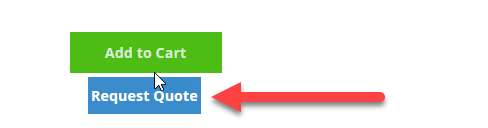
- Click the Request Quote button.
- Review and edit your quote request if needed.
- Submit your quote request.
Video Tutorial
Visual Guide
Step 1: Click on the "Customize" button.
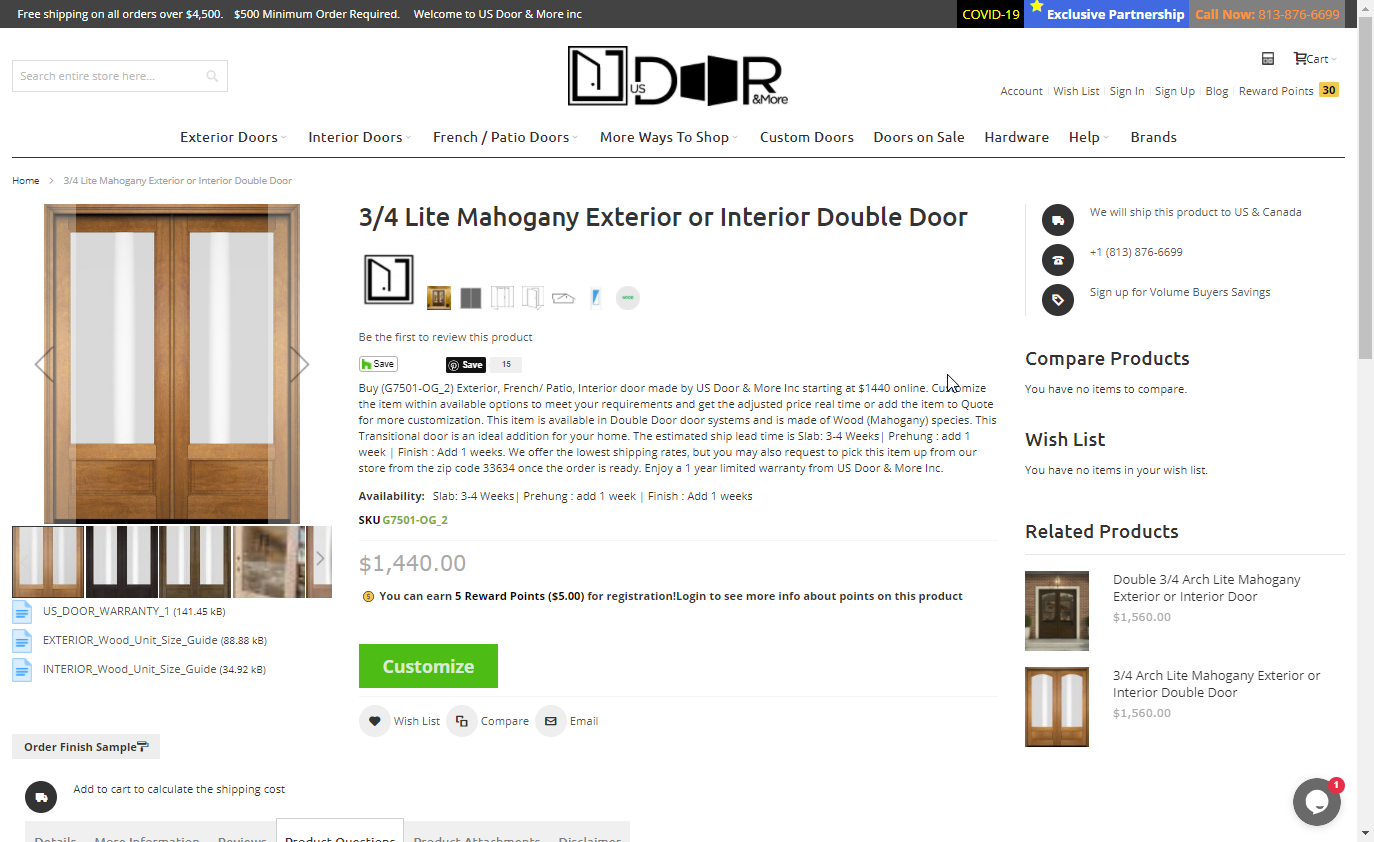
Step 2: Choose the closest available options to your desired customizations. Add specific changes in the Remarks field.

Step 3: Click on "Request Quote" and follow the prompts to submit your request.
Comments
0 comments
Please sign in to leave a comment.